Website maintenance without the worry
Updates, backups, security and quick changes after launch — including sites built by others.
Website Care
- Core, plugin & theme updates
- Daily backups
- Security checks
- Quick content changes
- Uptime monitoring
This month on your site
- WordPress, plugin & theme updates
- Daily backup
- Security & malware scan
- Speed check
- Monthly report to your inbox
A website needs care after launch, like any important business tool. Website maintenance from M. Dimopoulos keeps your site secure, fast and up to date — so you can focus on your business, not on plugins and backups.
What we take care of
- Updates to WordPress, plugins and theme, with a backup before and checks after.
- Automatic backups, stored off-server, with restore tests.
- Security: malware monitoring, login protection, alerts.
- Uptime: alerts if the site stops responding.
- Speed: regular Core Web Vitals checks and improvements.
- Small changes: texts, photos and new pages when you need them.
For websites built by others too
If your original developer is no longer available, you don’t need to start over. We audit the site, document what’s there, fix the urgent issues and take over regular care.
Why regular maintenance
Most website breaches come from outdated software. A site that’s kept updated with tested backups stays secure and, if something happens, recovers quickly. With maintenance you also gain a steady partner who knows your site.
Frequently asked questions
Do you maintain websites built by someone else?
Yes. We start with a site audit, fix anything urgent, then maintain it regularly just like the sites we build ourselves.
What does monthly maintenance include?
Software updates with a backup and checks, automatic backups, security and uptime monitoring, speed checks and a bundle of small content changes.
What happens if the site goes down or is hacked?
We get alerted, restore from a clean backup and close the gap that caused the problem, so it doesn’t happen again.
Work that speaks.
 Kanakousakis Pools
A corporate website showcasing the company's projects, swimming pools, spas and plant rooms.
Kanakousakis Pools
A corporate website showcasing the company's projects, swimming pools, spas and plant rooms.
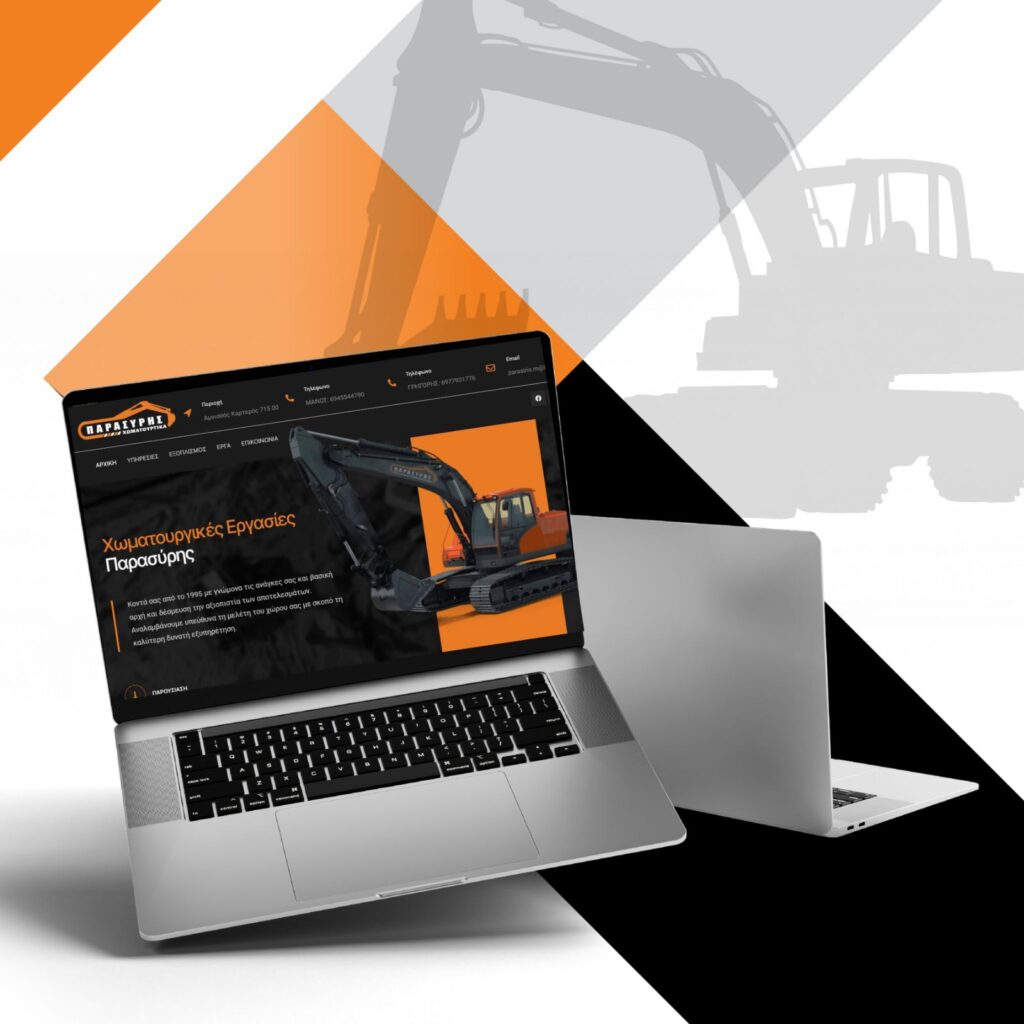 Parasiris Earthworks
A website promoting the company's services, machinery and completed projects.
Parasiris Earthworks
A website promoting the company's services, machinery and completed projects.
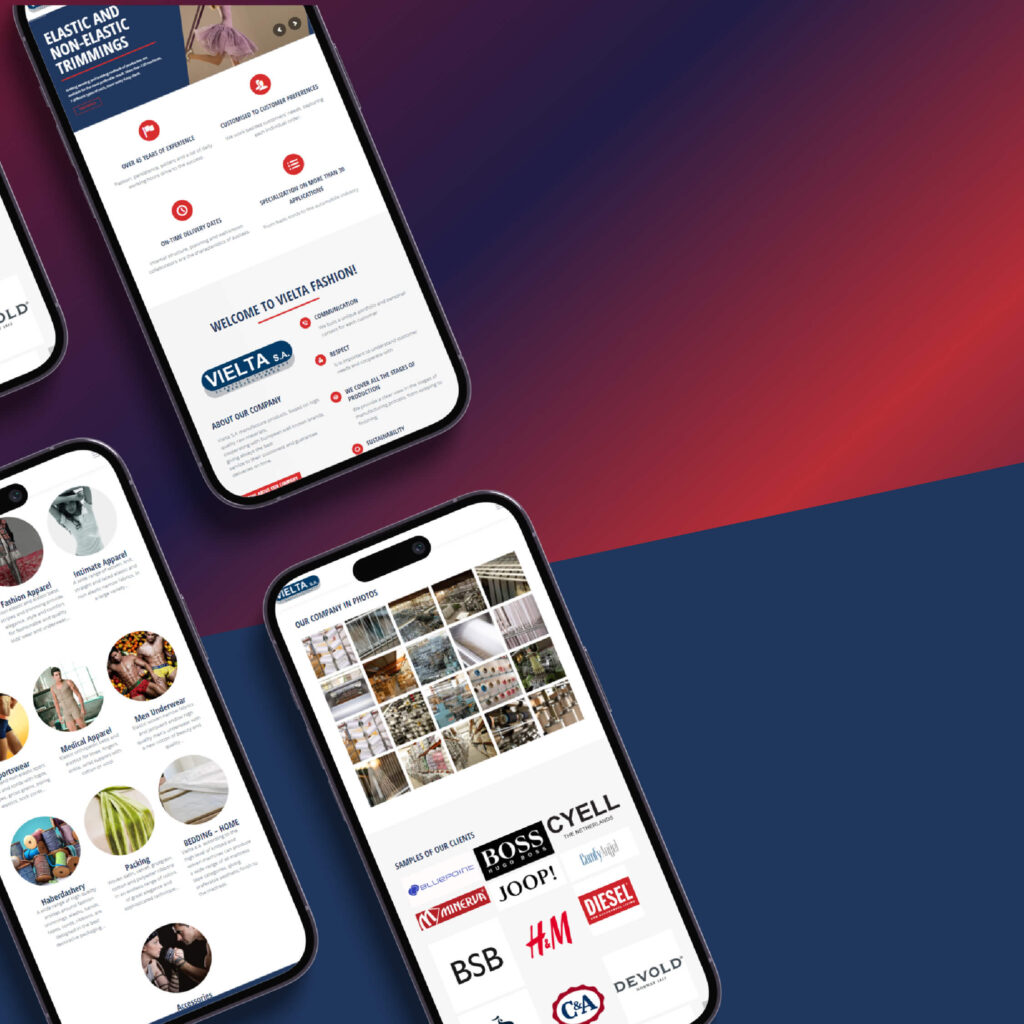 Vielta
A corporate B2B catalogue for a narrow-fabric manufacturer exporting to 35+ countries.
Vielta
A corporate B2B catalogue for a narrow-fabric manufacturer exporting to 35+ countries.
Guides to get you started.

Web hosting: how to choose the right provider
What hosting is, the main types, and the criteria that really matter when choosing hosting for your website or online store.
Read the article
WordPress security: 10 steps to protect your website
Most WordPress breaches can be prevented with simple measures. Here are the ten that matter most.
Read the article
Website maintenance: 7 tasks that keep your site secure
What proper website maintenance includes, how often each task should happen and why it prevents security, speed and sales problems.
Read the articleTell us what you need.
Get a tailored proposal — usually within one business day.